Desktop application
Native installers are available for Apple Silicon macOS and Windows x64. Source code is available to build.
 NauticMixxx
NauticMixxx is a community edition of Mixxx 2.5.6 for macOS and Windows, with two decks and an XDJ-RX3-inspired interface.
Connect a Rekordbox-exported USB, browse its playlists and load tracks in the app. Version 1.5 adds navigation for more controllers.
First things first
NauticMixxx runs on your computer and is controlled with everyday DJ hardware. It does not replace a real Pioneer system, and the complete experience goes far beyond a visual reskin.
Native installers are available for Apple Silicon macOS and Windows x64. Source code is available to build.
Includes engine, USB browser, mapping, effects, interface and security-policy changes.
Tracks open read-only: audio, metadata, playlists and analyses are never rewritten.
Why NauticMixxx
For DJs who prepare in Rekordbox and want to practice or perform with a laptop and accessible controllers, without repeating hours of organization.
export.pdbReads export.pdb directly into a transient session. USB tracks never become part of the local collection or local analysis jobs.
ANLZ · PQTZDisplays waveforms, beatgrid, overviews and up to eight Hot Cues per deck. Version 1.4 corrected Rekordbox MP3 timing on macOS.
MIDI · SOURCEInpulse 500 has a dedicated mapping. Version 1.5 includes RX3 presets for DDJ-400, SX, SX2, SX3, WeGO3, FLX4 and Roland DJ-505.
Mixxx 2.5.6Based on Mixxx 2.5.6 with reproducible patches. Each release documents its build results and limitations in its test report.
On Inpulse 500, hold ASSISTANT for 600 ms to leave BROWSE without loading a track.
The rim responds more readily to slow turns and compresses fast turns; physical calibration is pending.
New configurations start in English; an explicit language choice remains in effect.
Interface screenshots
Startup and PERFORMANCE views from the official README, alongside historical browser and effects screenshots.
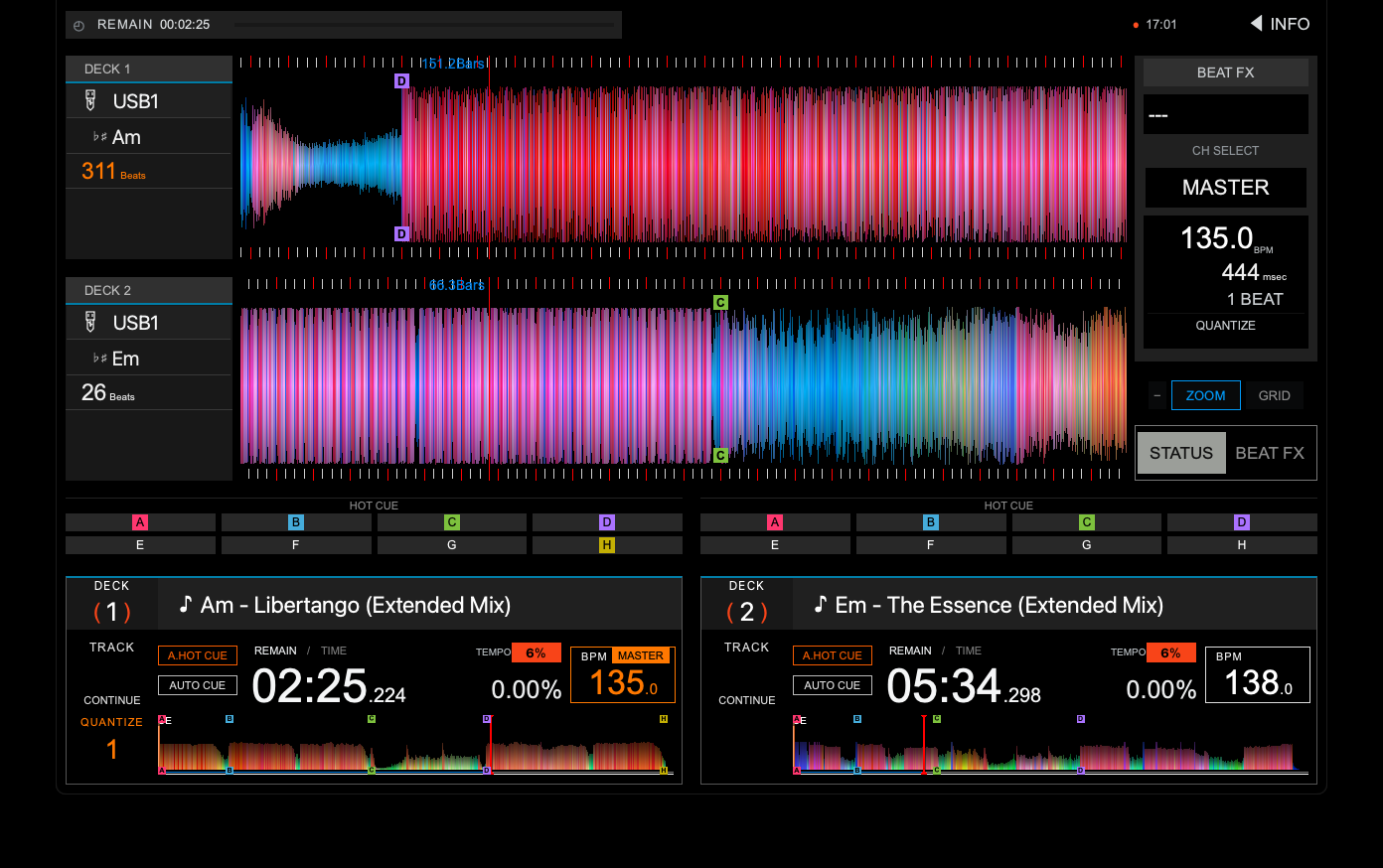
Official README screenshot with loaded tracks, RGB waveforms and Hot Cues on both decks.
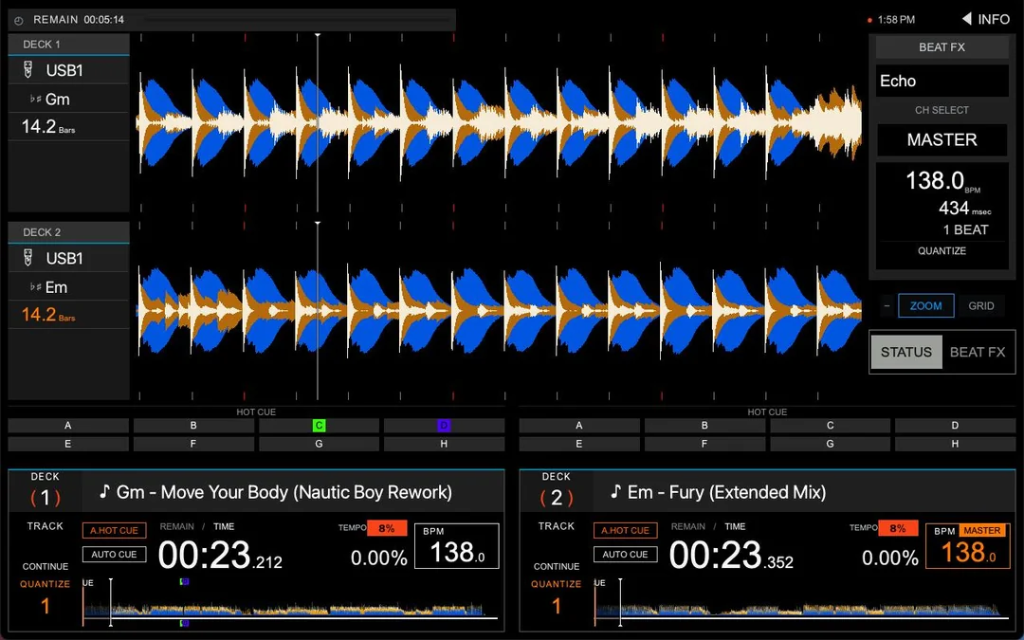
Two-deck PERFORMANCE view with waveforms, beatgrid and effects. Screenshot from an earlier version.
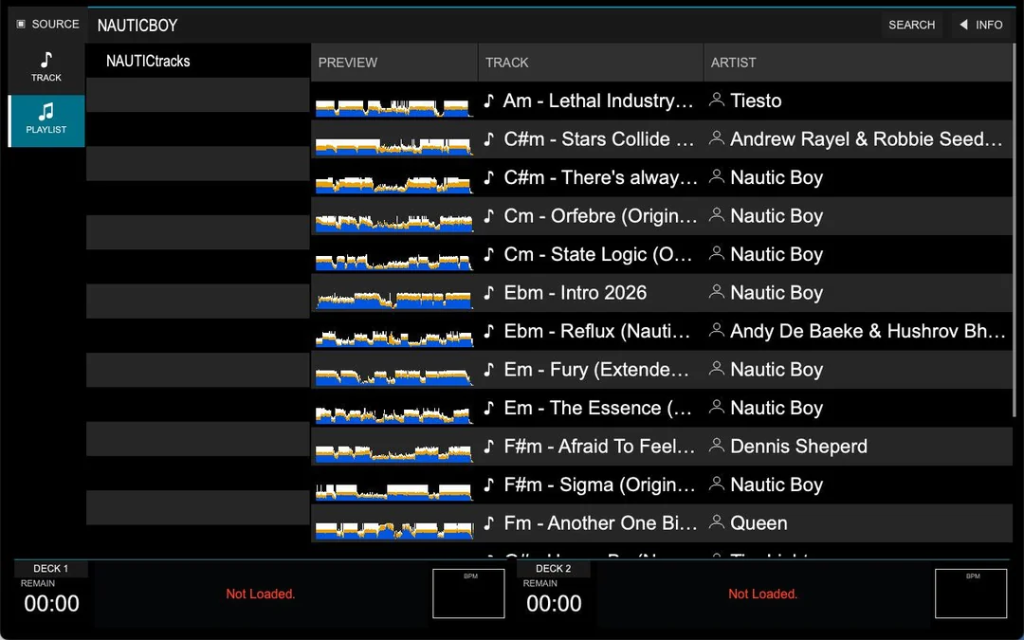
Playlist and track browser for a Rekordbox-exported USB. Screenshot from an earlier version.
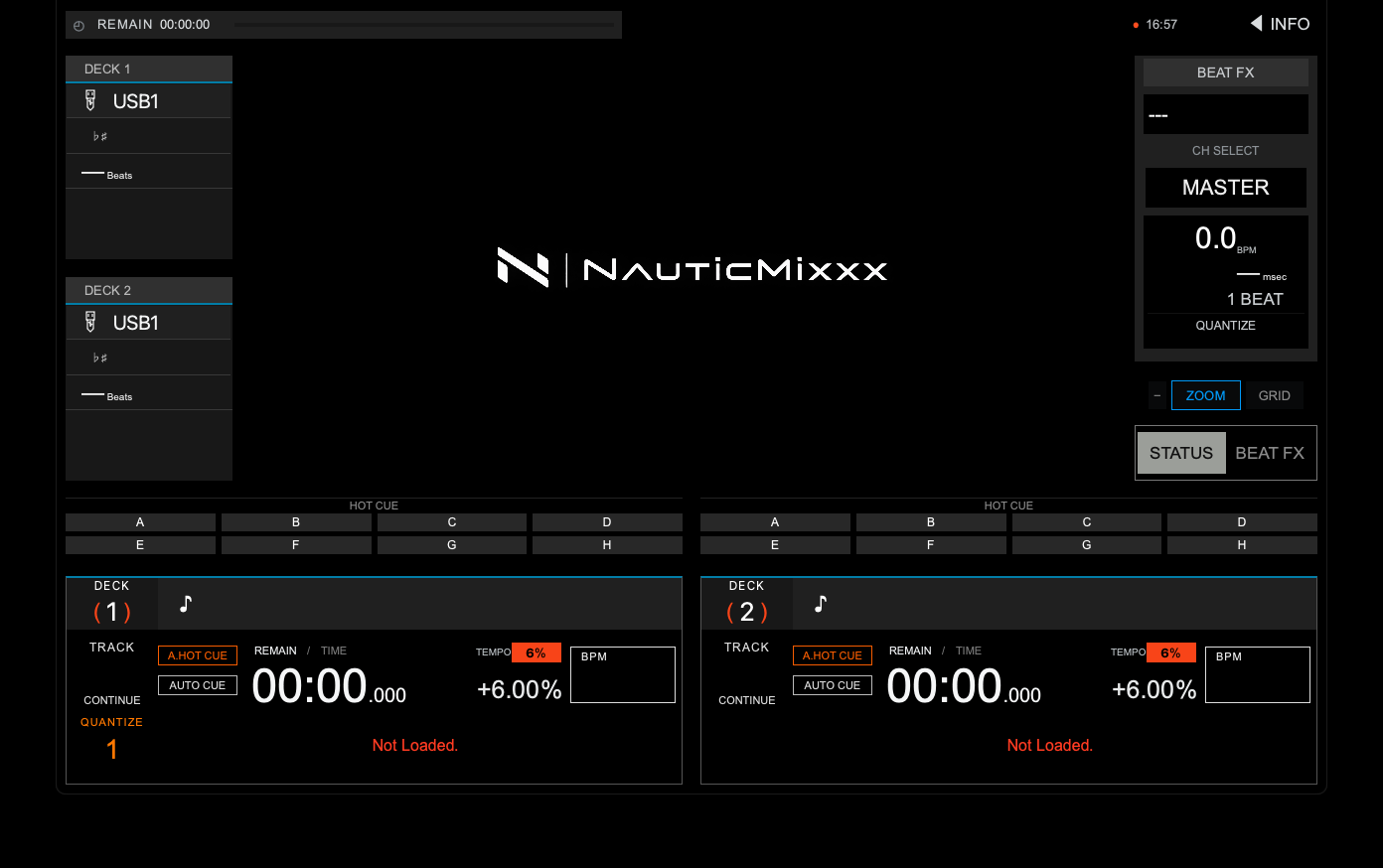
Startup screen from the official README, with the NauticMixxx logo and both decks before loading tracks.
USB-only contract
The local collection stays outside the browser. NauticMixxx keeps only the internal state and history required to operate, but never persists USB tracks as a collection or writes to the device.
Version 1.5.1
Version 1.5.1 is the latest published on GitHub. Choose an available download or read the official release notes.
NauticMixxx 1.5.1 — Audio output freeze fix
Community build, ad-hoc signed and not notarized. If macOS blocks it, try opening it once, then use System Settings → Privacy & Security → Open Anyway.
Native per-user installer. Run the EXE; unsigned builds may trigger Windows SmartScreen.
Corresponding source, skin, mappings, effects, scripts and documentation. No Linux binary is published.
The seven Pioneer/Roland presets and Inpulse 500 jog calibration still need physical validation. Verify downloads with SHA256SUMS.txt.
Getting started
Use a Rekordbox-exported USB drive. NauticMixxx reads its catalog and playlists without scanning a local music folder.
On an Apple Silicon Mac, open the DMG and drag the app to Applications. On Windows 10/11 x64, run the complete EXE installer.
Choose your device and channels in Preferences → Sound Hardware. RX3 mappings are selected by MIDI model name; you can also select one under Controllers.
Connect the USB and wait for its catalog to finish loading. Highlight a playlist to preview it, then press ENTER to open its tracks. LOAD 1/2 loads the corresponding deck.
Frequently asked questions
No. It is a computer application recreating an XDJ-RX3-inspired workflow for laptops and conventional controllers. It is never installed on Pioneer hardware and does not modify its firmware.
No. The interface is one part of the project, but NauticMixxx also changes the browser, Rekordbox USB reading, deck states, track policies, mappings, effects and native distribution.
The USB workflow is designed as read-only. It does not persist tracks in the local collection, export them, rewrite them or submit them to local analysis jobs. Still, always keep a backup of any performance drive.
The USB session is invalidated, the device is removed from the browser and its paths remain write-protected. For safe performance practice, stop playback and eject the device from the operating system first.
Inpulse 500 has a dedicated mapping. Version 1.5 includes presets for DDJ-400, DDJ-SX, DDJ-SX2, DDJ-SX3, DDJ-WeGO3, DDJ-FLX4 and Roland DJ-505. Physical validation is pending; SX3 is experimental. FLX6 retains a browser-only preset.
On GitHub Releases. This page checks the latest published release and links to its available files. If an installer is missing, its link opens the release downloads.